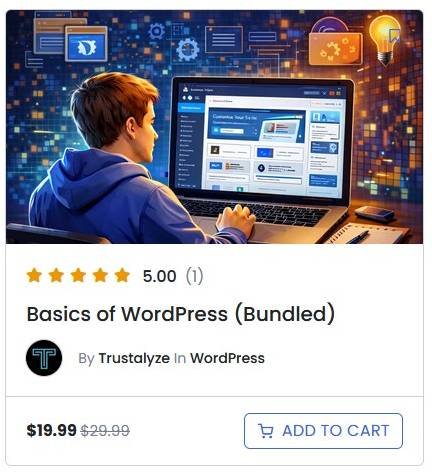
Basics of WordPress Having Problem Understanding WordPress?
With 20 years of hands-on WordPress experience, I’ve built custom plugins, themes, and real-world sites that actually perform.
In this 2-part course, you’ll learn how to install WordPress using cPanel, then master the essentials of the Admin Area, plugins, and themes — no fluff, just what works.
What's In The Course?
I’ve combined two WordPress courses into one complete bundle.
You’ll learn how to install WordPress using cPanel, then dive into the Basics of WordPress, where I walk you through the core tools and features you need to build and manage your WordPress site with confidence.
Getting Started With WordPress.
Installing WordPress via cPanel
Understanding the Dashboard
How to set Screen Options
Understanding the Media area
Setting Up Menus
Setting Up Widgets for Sidebar
Setting up your theme
Go through some of the basic admin features.
Go through Settings/General for Title/Tagline
Reading
Permalinks
Tools/Site Health
Creating SEO friendly posts and pages with AllInOne SEO
Creating Posts
Creating Pages
Checking Titles, description, images and links in the posts
Go over AllInOne SEO Plugin
Search Appearance
Social Networks
SEO Analysis
Critical WordPress Plugins
AllInOne SEO
WordFence
Classic Editor
Easy Accordion for FAQ Rich Snippets